
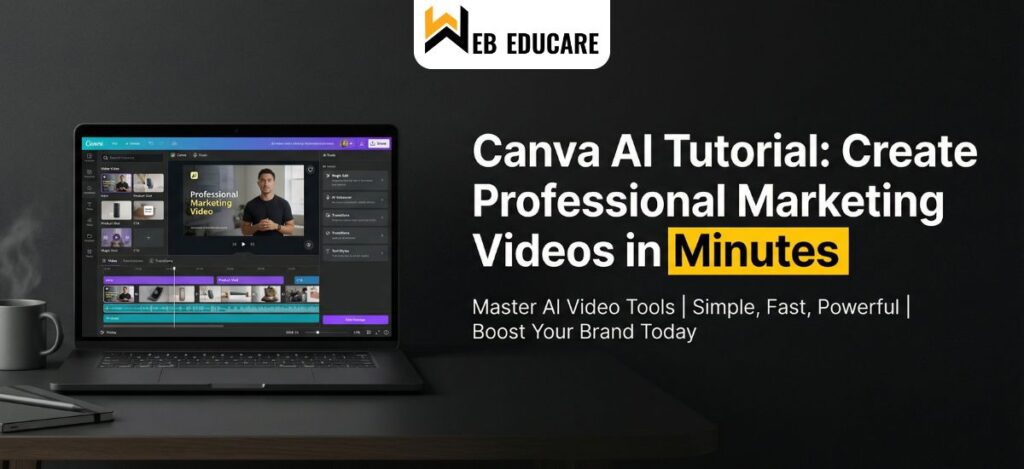
Canva AI Tutorial: Create Professional Marketing Videos in Minutes
In 2026, the demand for professional marketing videos has reached an all-time high. With over 92% of marketers reporting positive ROI, the need for fast, efficient AI-powered tools is greater than ever. This trend has positioned Canva AI as a leading platform for AI video creation without requiring editing expertise. This Canva AI Video Tutorial will help you understand how to streamline your video creation process.
Video consumption continues to dominate digital platforms, and businesses using AI video marketing tools have significantly increased content output. The Canva AI tutorial is becoming popular among marketers to create marketing videos quickly and efficiently. Following a proper Canva AI Video Tutorial can significantly improve both speed and quality of content production.
Additionally, brands are now focusing on short-form, engaging, and high-converting content. With the rise of reels, shorts, and bite-sized videos, using AI-powered tools like Canva AI allows creators to stay competitive and consistent in content with digital marketing agency delivery.
For Further blog: A Practical Guide to Optimizing Your YouTube Videos
New Tools in Canva AI
Canva AI has introduced powerful features that simplify AI video creation:
- Magic Media – Supports text to video and AI-generated clips
- Magic Switch for Video – Converts text into multiple video formats instantly
- Magic Animate 2.0 – Enhances videos with motion tracking and transitions
- Brand Kit AI – Maintains brand consistency across all marketing videos
- Smart Captions & AI Voiceover – Delivers accurate subtitles and natural AI voiceover
- AI Social Scheduler – Automates publishing for AI video marketing campaigns
These tools make Canva a complete ecosystem for automated video creation, reducing manual effort and increasing productivity.
Canva AI Tutorial: How to Create Professional Marketing Videos
Start Video Project
Begin your AI video creation journey by selecting a template or starting from scratch. Templates are optimized for different platforms like Instagram, YouTube, and ads.
Add Visuals
Use Canva’s stock library or generate clips using text to video technology. This helps speed up the video production workflow.
Customize & Refine
Edit your video using drag-and-drop tools to create professional marketing videos. Add text, transitions, and brand elements for a polished look.
Enhance with Audio
Use music and generate narration with AI voiceover tools. This step is crucial for improving engagement and retention in AI video marketing.
Preview, Download & Share
Export your final output and publish across platforms. This Canva AI Video Tutorial ensures you can create marketing videos efficiently with minimal effort.
Advanced Tips for Better Results
- Use hooks in the first 3 seconds to improve engagement
- Optimize videos for mobile-first viewing
- Test multiple variations using AI-powered tools
- Add subtitles using AI voiceover and caption features
- Maintain consistency using Brand Kit for better AI video marketing
These strategies enhance your overall video production workflow and improve performance metrics.
Future Trends
The future of AI video marketing is driven by automation and personalization. Soon, AI video creation tools will generate complete videos (script, visuals, voice) instantly. Canva is already leading this shift with features like predictive design, smart resizing, and adaptive AI-powered tools.
Hyper-personalized videos tailored to individual users will become standard, making automated video creation a necessity rather than an option.
Conclusion
Canva AI has completely transformed how we create marketing videos. With features like text to video, AI voiceover, and advanced AI-powered tools, producing professional marketing videos is now faster, easier, and more scalable than ever.
This Canva AI Video Tutorial proves that anyone—from beginners to professionals—can leverage AI video creation to stay ahead in today’s competitive digital landscape.